ultimate-guide
How to Build a Connected Home Gym: 7 Smart Steps
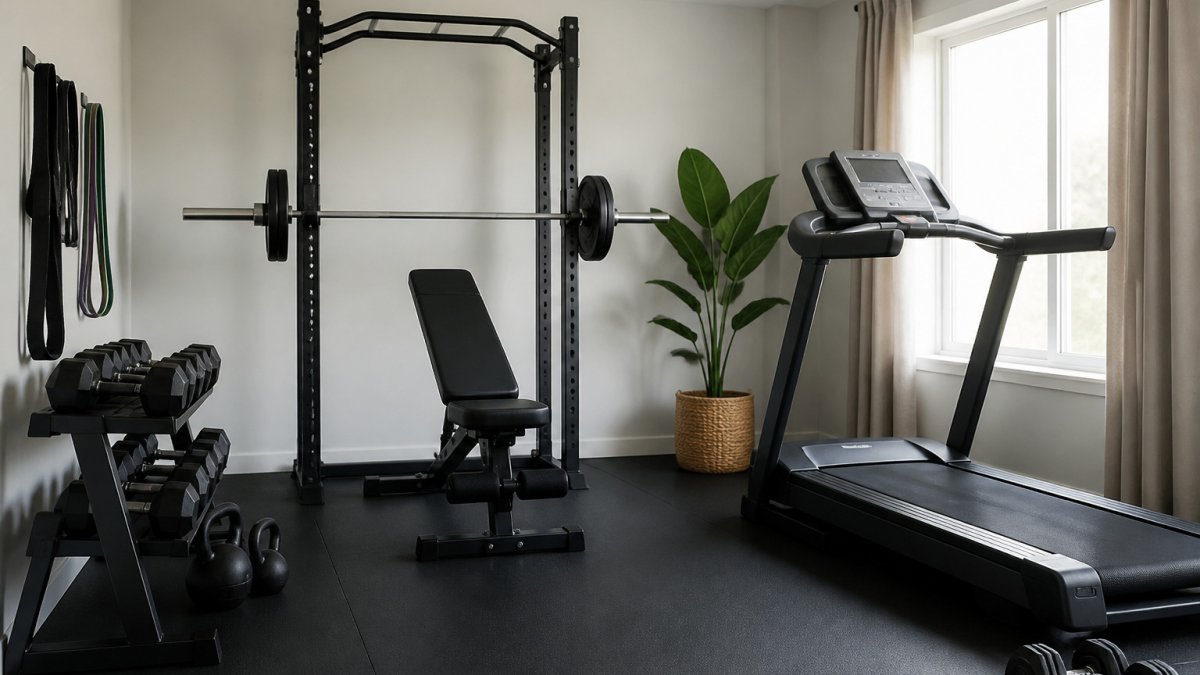
Quick Summary
A connected home gym starts with planning the room before buying equipment. Measure the floor, map outlets and network coverage, check lighting and ventilation, then choose one strength and one cardio anchor piece. Confirm each machine shares data over a standard protocol.
- Measure floor space, including the working zone around machines and loading areas.
- Count and place outlets before finishing walls, with console-level outlets behind cardio machines.
- Test Wi-Fi signal strength at the equipment location, not at the door.
- Confirm each cardio machine exports data over Bluetooth or ANT+, not only a proprietary app.
- Keep manual mode usable without a subscription and check parts and software support policies.
Table of Contents
- Planning the Space: Layout, Power, and Ventilation
- Choosing the Core Equipment: Strength and Cardio
- Best High Tech Home Wellness Gadgets Worth Considering
- Smart Home Gym Integration Tips for One Ecosystem
- Benefits of Smart Workout Tracking for Consistency
- Acoustic Management, Privacy, and Ceiling Height
- Your Next Step: Mapping Your Connected Gym Setup
- Frequently Asked Questions
Planning the Space: Layout, Power, and Ventilation
A connected home gym starts with the room, not the gadgets. Before buying anything, measure the floor, note where the outlets sit, and check how air moves through the space. A bright, uncluttered room with clear floor space gives you the most flexibility for both strength and cardio work.
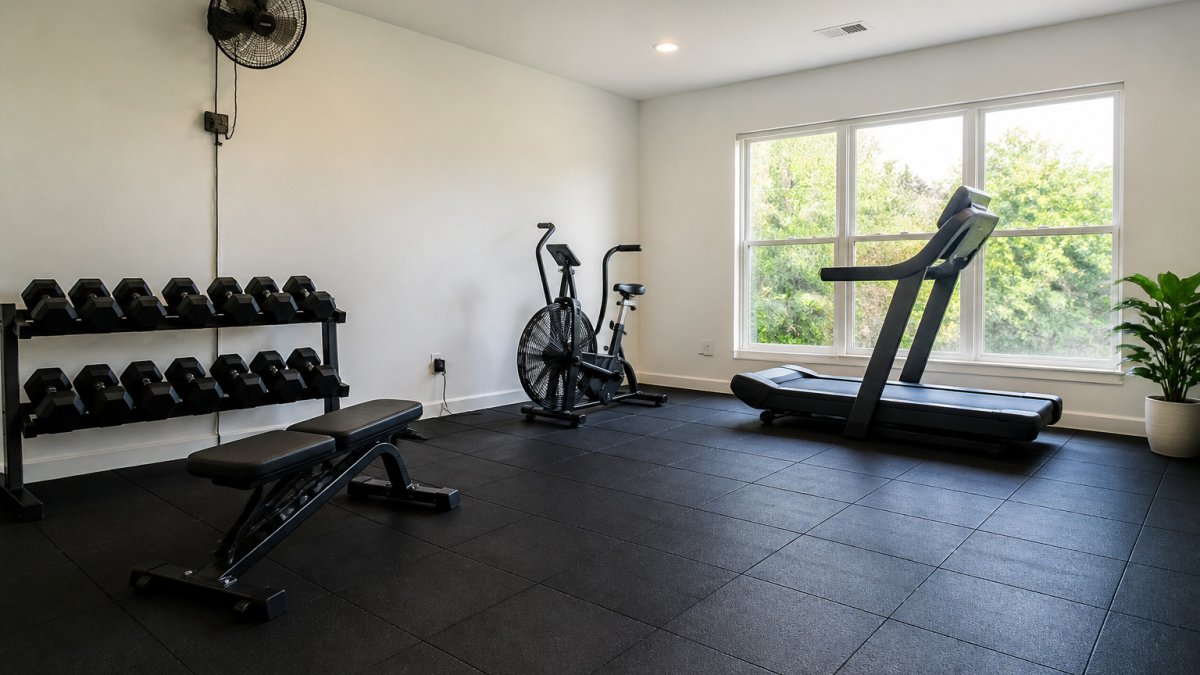
Most people underestimate how much room equipment needs in use, not just in storage. Leave clearance around cardio machines and allow space to load a barbell or step back from a squat rack. Many home setups feel cramped because the layout ignored the working zone. Measure your tallest user's reach and allow clear floor on the loading side of a barbell and behind a rack before finalizing rack placement.
Electrical outlet planning for tech
Connected equipment depends on power and network access, and the two are planned together. Map every device that needs power, treadmill, rower console, smart display, speakers, charging station, recovery gadgets, and count the outlets before you finish the walls. Running extension cords across the floor is both a trip hazard and a sign the room was not planned for technology.
Some specifics worth planning around:
- Dedicated circuits for high-draw equipment. If you are finishing a room, ask an electrician whether a dedicated circuit is warranted for your equipment list.
- Outlet placement at equipment height. Console-level outlets behind a treadmill or rower keep cables off the floor and out of foot traffic.
- USB and low-voltage charging near a bench or display for wearables, heart-rate straps, and tablets.
- A surge-protected strip or UPS for the display and network gear, so a brief outage does not corrupt a session log.
Network and Wi-Fi planning
Connectivity is the part most guides skip. Place a Wi-Fi access point or mesh node where it can reach the whole room. Test signal strength at the equipment location, not at the door.
Lighting and ventilation requirements
Lighting affects both motivation and form checks. Combine overhead light with adjustable task lighting, and avoid placing a mirror or display directly opposite a window where glare will wash out the screen. If you plan smart lighting scenes, put the controls within reach of the training area so you are not reaching for a phone mid-set.
Sustained cardio raises humidity and heat, so plan for an exhaust fan or a window that opens. Air quality also protects electronics and the flooring underneath your equipment. A simple humidity gauge in the room tells you whether your current ventilation is keeping up.
The article lays out the key planning checks to make before buying any equipment.
| Planning check | What to verify | Why it matters |
|---|---|---|
| Floor space | Clearance around machines and loading side | Prevents a cramped feel |
| Power outlets | Count outlets before finishing walls | Avoids extension cords across the floor |
| Outlet height | Console-level behind treadmill or rower | Keeps cables off the floor |
| Network signal | Test strength at the equipment location | Wi-Fi at the door is not enough |
| Lighting | Avoid glare on screens from windows | Keeps the display readable |
| Ventilation | Exhaust fan or openable window | Sustained cardio raises humidity and heat |
| Finishes | Map outlets, network and ventilation first | Retrofitting behind walls is disruptive |
Choosing the Core Equipment: Strength and Cardio
Start with two anchor pieces: one for strength and one for cardio. Trying to cover every movement pattern at once usually leaves you with expensive equipment that sits unused. A squat rack or adjustable bench paired with resistance bands covers most strength work for beginners, while a rower or stationary bike covers conditioning with minimal floor space.
Before you buy, decide which metric you want each machine to feed into your training log, heart rate, power output, cadence, distance, or reps, and confirm the machine exports that metric over Bluetooth or ANT+ rather than locking it inside a proprietary app. Use this repairable technology checklist to compare manuals, replacement parts, software support, and repair costs before you commit.
Strength equipment: what actually connects
Most strength equipment is mechanically simple, so the 'connected' value comes from accessories rather than the rack itself:
- Adjustable dumbbells or a barbell set, no electronics, but can be paired with a rep-tracking app or a wearable.
- A power rack with a pull-up bar, ceiling height is a key factor (see the ceiling-height guidance below).
Cardio equipment: match the protocol, not the brand
Cardio machines are where connectivity matters most, because they generate the continuous data your training plan depends on:
- Rowers, stationary bikes, and treadmills vary in how they share data. Confirm each machine's connectivity before purchase.
A practical buying checklist
Run every candidate through these questions before committing:
- Does it export data in a standard protocol (Bluetooth FTMS, ANT+, or standard power), or only to a first-party app?
- Does it keep working without a subscription? Manual mode should remain fully usable if the subscription lapses.
- Are replacement parts and manuals published? Look for a parts diagram and a stated software-support policy.
- What are the in-use dimensions, not just the stored dimensions? Add the working zone to the footprint.
- Does it fit your ceiling and your tallest user? Measure before you order.
Weigh software longevity as heavily as build quality before committing to a purchase.
Best High Tech Home Wellness Gadgets Worth Considering
Wellness gadgets can extend a connected gym beyond workouts into recovery and sleep. You can browse a curated guide to the best high-tech home wellness devices for sleep, recovery, stress, and fitness.
Evaluate each gadget on three questions: does it share data with your other devices, does it keep working without a subscription, and will the manufacturer keep supporting it?
Smart Home Gym Integration Tips for One Ecosystem
Integration is where a collection of devices becomes a system. Choose one ecosystem as your hub, whether that is a voice assistant, a smart home platform, or a fitness app, and confirm that each piece of equipment supports it before purchase.
Keep a record of purchase dates, serial numbers, and warranty terms for each connected device. Storing receipts in one organized place makes warranty claims and resale far easier. A guide to building a digital receipts archive shows how to keep warranty proof and return terms easy to find for every gadget.
Benefits of Smart Workout Tracking for Consistency
Tracking matters because consistency drives results more than any single session. Logging sets, reps, and time creates a record you can review, which makes progress visible and plateaus easier to diagnose.
Automatic tracking can reduce the friction of manual logging, so you spend more time training and less time typing. If you want help building consistency, see these tools for optimizing daily routines, including habit trackers and planners.
Acoustic Management, Privacy, and Ceiling Height
Noise is the constraint most home gym guides ignore. Plan a base layer under heavy equipment and schedule loud sessions around other household members.
Ceiling height determines what you can safely do overhead. Measure clearance for pull-ups, overhead presses, and any rack you plan to install. Ergonomics also depend on height: a bench or rower that fits a shorter user may cramp a taller one, so test equipment dimensions against the people who will use it.
Your Next Step: Mapping Your Connected Gym Setup
Sketch your room to scale with outlets, windows, and ceiling height marked. Then list your first two pieces of equipment and confirm each one works with your chosen ecosystem. Start with the layout, add equipment in stages, and let your tracking data guide what you buy next. For practical guidance on planning and organizing your home space, read these strategic lifestyle tips.
Frequently Asked Questions
What equipment is essential for a connected home gym?
Start with the equipment that covers most training needs: an adjustable bench, a squat rack or power rack, a set of dumbbells or adjustable weights, resistance bands, and one cardio machine such as a treadmill or assault bike. Choose models that offer a companion app or Bluetooth sensors so workout data flows into one place. Check load capacity and footprint before buying, and measure your space in centimetres and metres so each piece fits with room to move.
How do I integrate smart fitness devices into one ecosystem?
Pick a central app or hub that supports the most devices you already own, then confirm each machine connects over Bluetooth or Wi-Fi with that platform. Check whether your devices share data through a common standard before purchasing. Keep firmware updated and assign each device a clear name in the app so logs stay organised. A single dashboard makes smart home gym integration tips far easier to apply in practice.
Do I need a high-speed internet connection for a smart home gym?
A stable connection is helpful but not always essential. Most Bluetooth sensors and heart-rate straps work without internet, storing data on the device or phone until you sync. Live-streamed classes, video coaching and cloud backups do need a reliable connection, so test your Wi-Fi signal in the gym location before committing to streaming-dependent equipment. A wired Ethernet point or a mesh extender can close coverage gaps in basement or garage rooms.
What are the privacy considerations for smart gym equipment?
Connected equipment collects workout, heart-rate and sometimes location data, so review each manufacturer's privacy policy before setup. Change default passwords, enable two-factor authentication where offered, and limit app permissions to what the workout requires. Disable cameras or microphones on equipment you don't need them for, and check whether data can be deleted from the vendor's servers when you stop using the product.
